Start with the cost that is not money
You will type badly for a while. Not a little worse — genuinely badly, at maybe 40% of your normal speed on day one, climbing back over two to four weeks. If your work is writing or coding, that is a real professional cost and you should plan around it: start on a Friday, or during a quiet fortnight, not the week of a deadline.
ZSA are upfront about this on their own site, which is to their credit and rare.
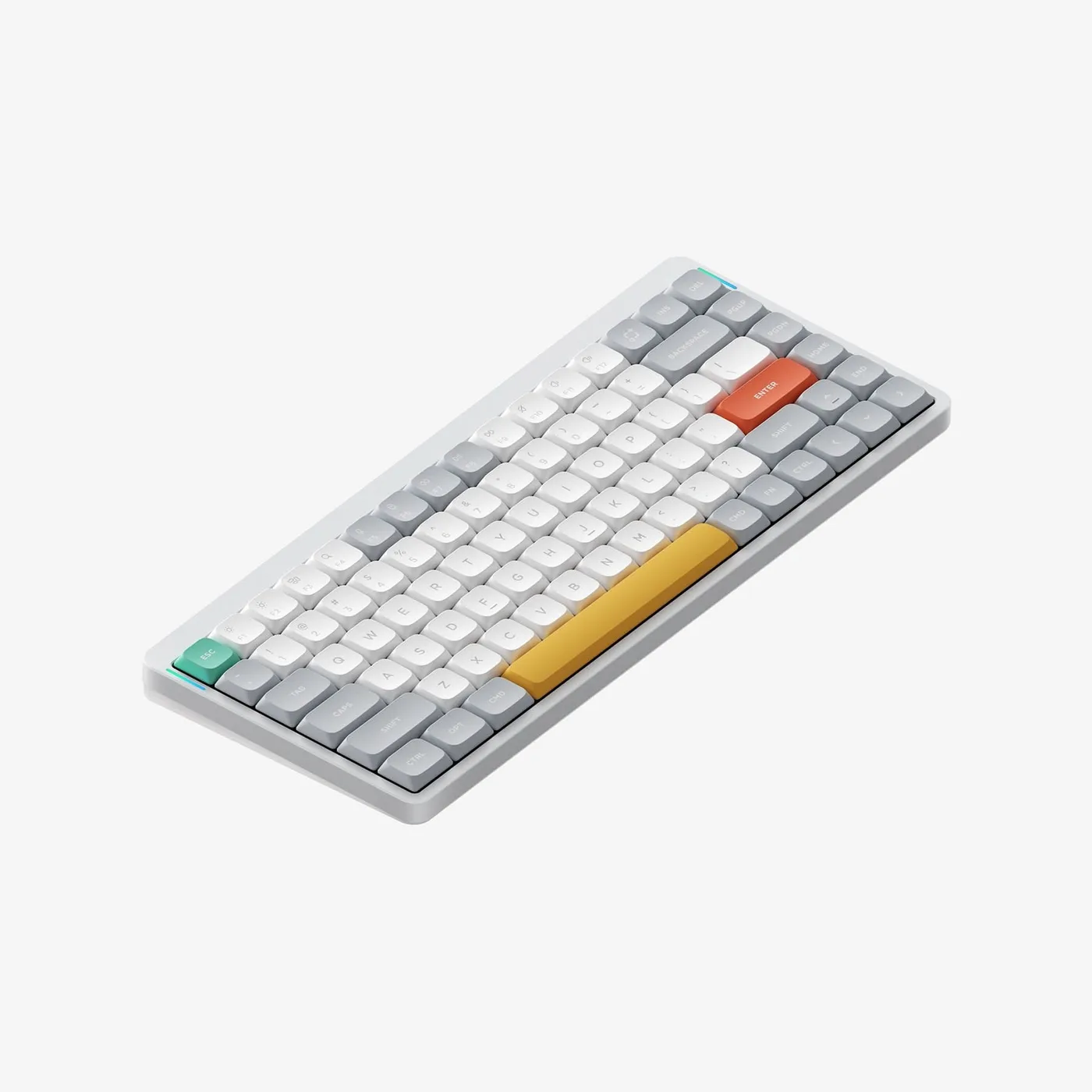
If you cannot absorb that, buy a Logitech Ergo K860 instead. It solves most of the same problem, badly, on day one. That is not a joke — a mediocre intervention you actually adopt beats an excellent one you abandon.
What you get for the disruption
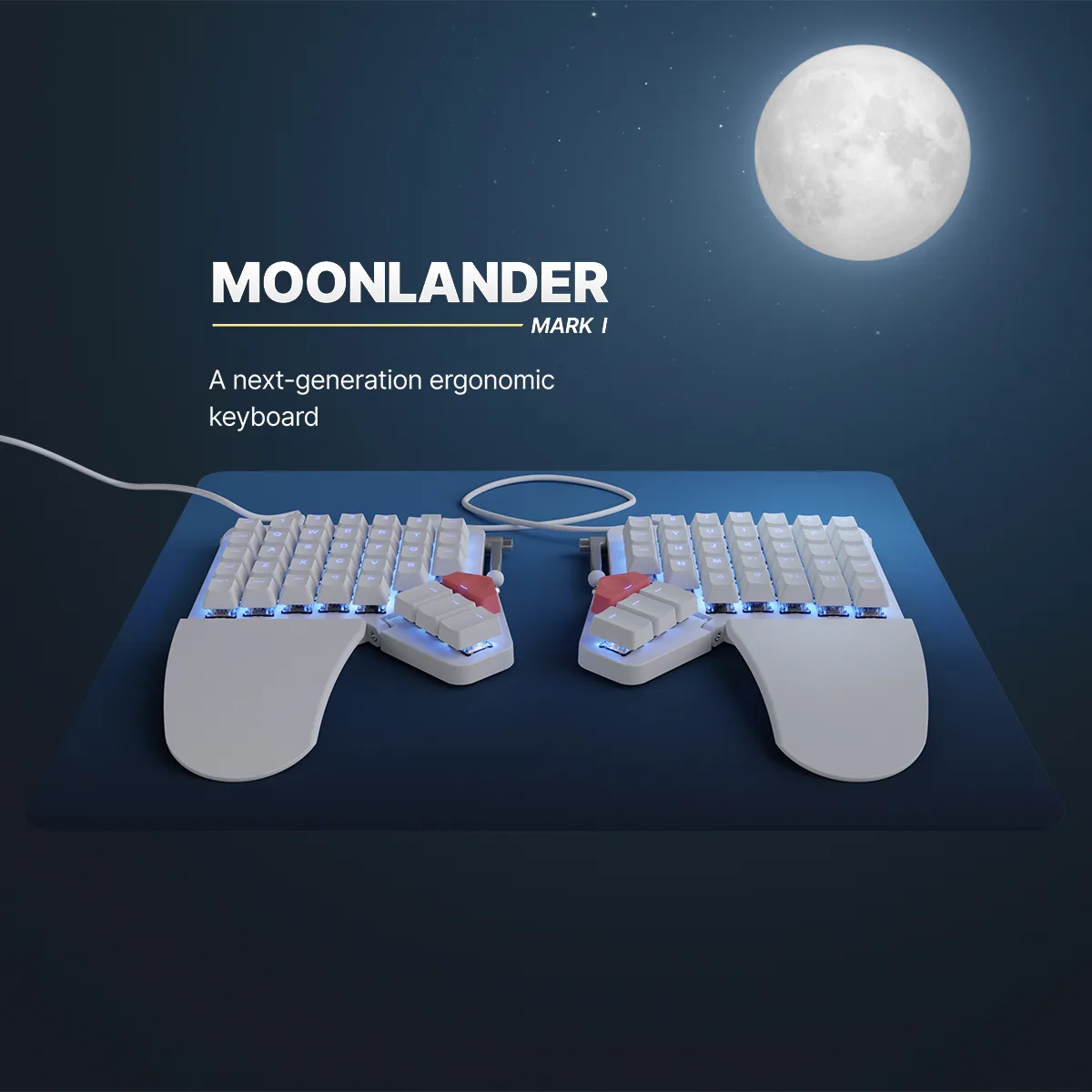
True split. Two independent halves connected by a cable. You set them as far apart as your shoulders are, not as far apart as a manufacturer guessed. For broad-shouldered people this alone changes everything; a one-piece "ergonomic" board still forces your hands inward.
Tenting. The halves tilt so the inner edges rise, which rotates your forearms towards a neutral, handshake position instead of flat pronation. Pronation is the posture most implicated in forearm discomfort, and the Moonlander's built-in tenting legs make it adjustable rather than a fixed compromise. Of everything in this review, this is the feature most likely to be the thing that helps you.
Thumb clusters. A conventional keyboard gives your thumbs one job — the space bar — and loads modifiers and navigation onto the little fingers, which are the weakest. The Moonlander puts a cluster of keys under each thumb. Moving Enter, Backspace, Shift and layer keys onto thumbs takes work off the digits least suited to it.
Ortholinear columns. Keys in straight columns instead of the staggered rows inherited from typewriters. This is the part that causes most of the learning curve and, in our experience, the part with the smallest payoff. It is not wrong; it is just the least of the four changes.
Oryx and the layers
Configuration runs through Oryx, ZSA's web tool, and it is the best keyboard configurator anybody makes. You draw the layout, you flash it over USB, and the board remembers it — there is no resident software and no account requirement on the machine you type on.
The real unlock is layers. With only about 36 keys per hand, everything else lives on a layer: numbers, symbols, navigation, media. A well-built layer map means your hands never leave the home position to reach an arrow key or a bracket. Building that map is a hobby in itself, and fair warning, some people find it more interesting than their actual job.
Build and practicalities
Well made. The halves are solid, the tenting legs lock positively, and the switches are hot-swappable so you can change your mind about feel. Sold direct with a lead time of around two weeks and a price around $365, which is a lot for a keyboard and not much for an intervention that keeps you working comfortably.
Portability is a mild negative: two halves, a connecting cable and a case is more faff than one keyboard, though ZSA do include a carry case.
How to survive the first fortnight
Some practical advice from having done it.
Change one thing at a time. Learn the split and the tenting first, on a layout as close to standard as Oryx allows. Do not simultaneously adopt a different keyboard layout; that is two learning curves stacked.
Type slowly and accurately rather than fast and wrong. Speed returns on its own; bad habits do not leave.
Do not keep the old keyboard on the desk. Everyone who has an escape hatch uses it, and the adaptation never finishes.
Expect a bad day four. Most people report a slump somewhere in the middle of the first week where it feels like it is getting worse. It is not.
Leave the layers alone until week three. Building an elaborate layer map while you cannot yet find the home row is how people end up hating the thing.
Who should buy one
Someone with genuine, persistent forearm or wrist discomfort at a keyboard, who has already tried negative tilt and a wrist rest, who types for a living and can afford a slow month. For that person this is the best product on this page and the score understates it.
Someone who is curious, types casually, or hopes a keyboard will be interesting: buy a Keychron and change the switches instead.
We are describing what the design does mechanically, not making a medical claim. Persistent pain is a conversation for a clinician.
What holds up
- Fully separate halves: set them at your own shoulder width, at any angle
- Tenting is built in, not a bolted-on afterthought — this is the feature that matters most
- Thumb clusters move work off the weakest fingers onto the strongest digit
- Oryx configurator and open firmware; every key on every layer is yours
What wears thin
- Expect two to four weeks at reduced typing speed, and a genuine dip in output
- Ortholinear columns are a second thing to learn on top of the split
- Expensive, and shipped from a single supplier with a lead time
- Two halves and a cable is more to pack than one keyboard