The gap this fills
Two things are true and they conflict.
Mechanical keyboards are better to type on. They are also tall, and a tall keyboard on a flat desk puts your wrists into extension, which is exactly what an ergonomics site spends its time telling you not to do. The standard fix — a wrist rest — works, but it is another object, it has to match the height, and plenty of people never buy one.
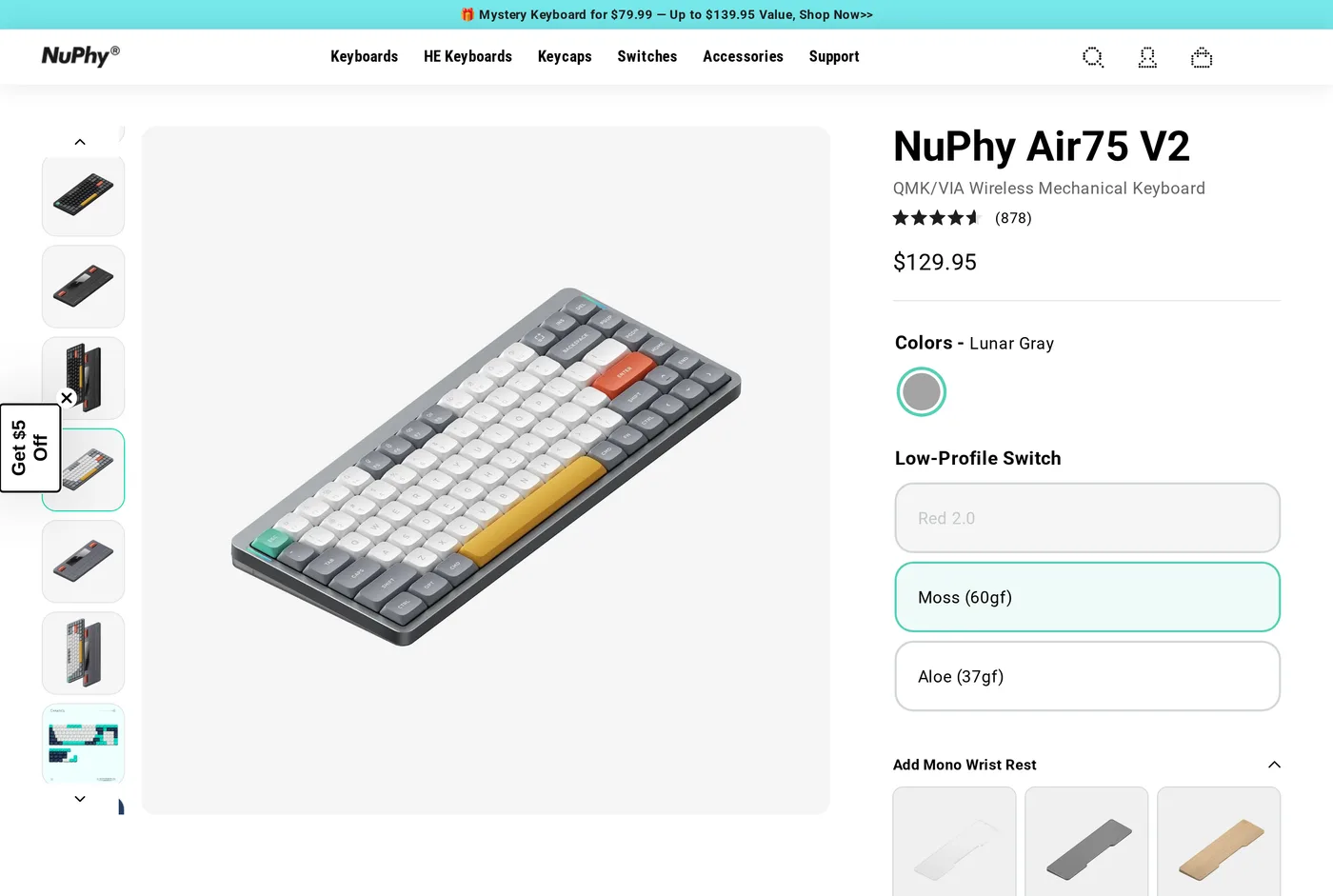
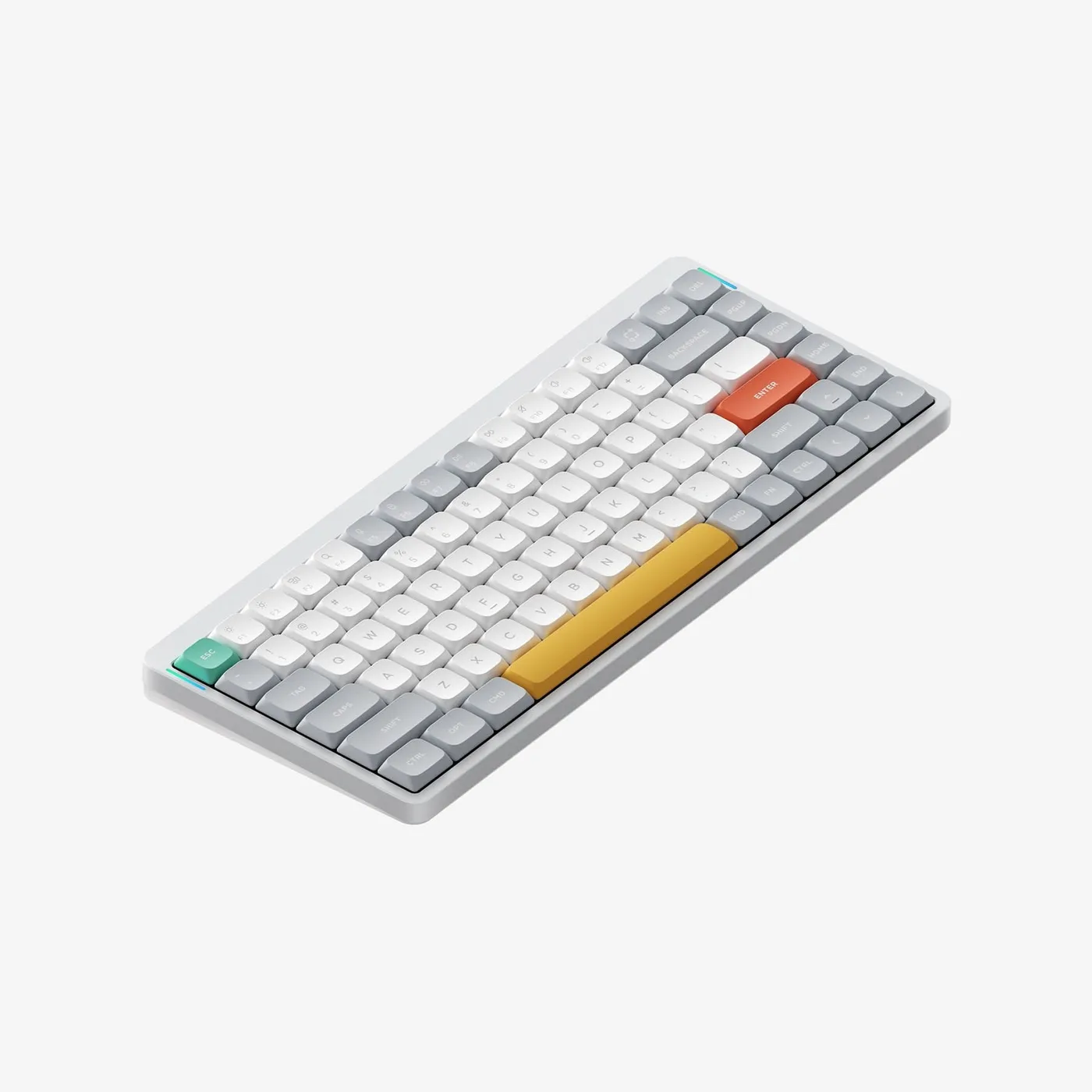
Low-profile mechanical keyboards resolve the conflict. The Air75 V2 is the one we would buy.
Height, measured against the thing that matters
Put the Air75 V2 next to a Keychron Q1 Pro and the difference is not subtle: roughly half the height at the front edge. Your palms rest on the desk and your fingers reach up slightly, rather than your wrists bending up to clear a wall of aluminium.
NuPhy sell wrist rests at $19 to $24. We tried them and took them off. On a board this low, the rest raises your palms above the keys rather than level with them, which is the wrong direction. Save the money.
Switches
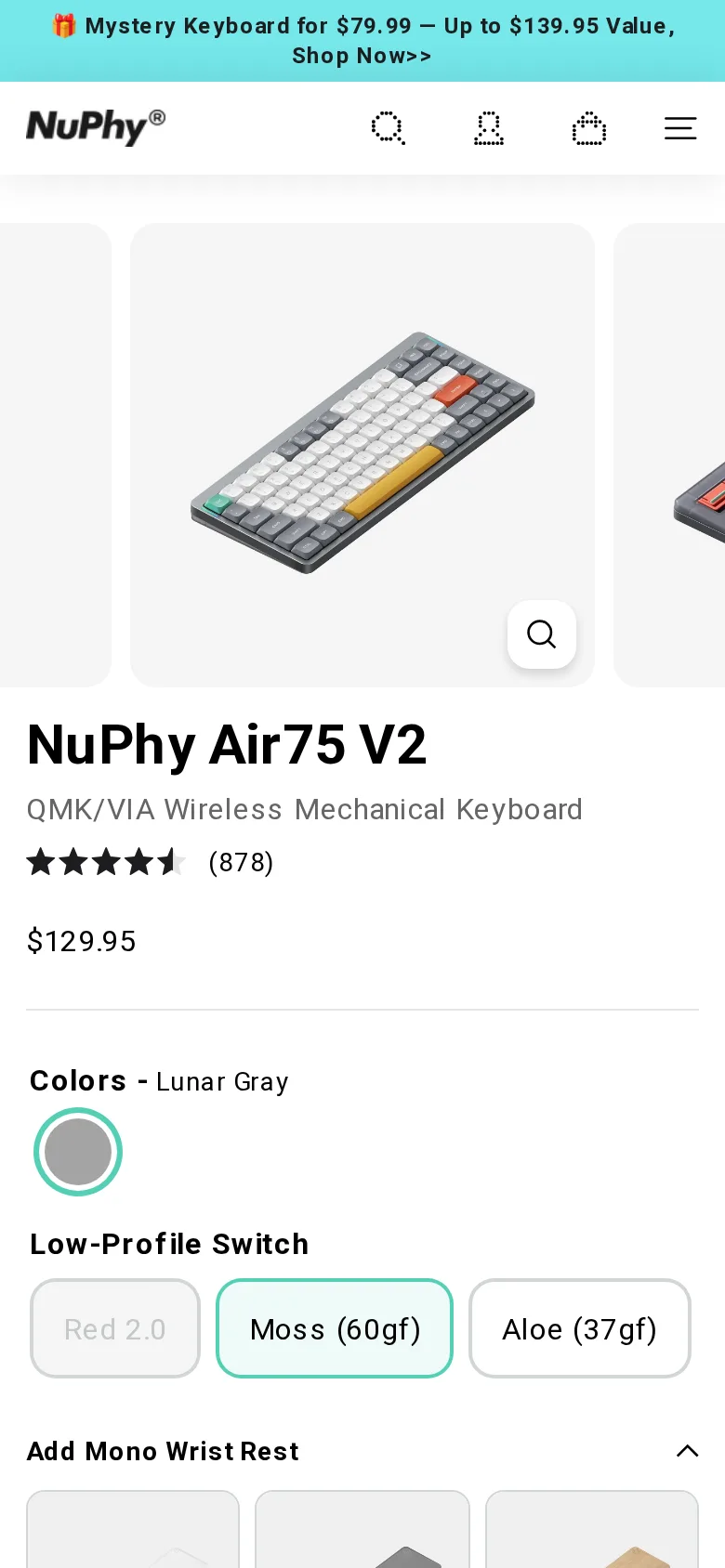
Low-profile mechanical switches in hot-swap sockets, offered in a few weights — a light 37 gf option and a heavier 60 gf among them. The light switches are genuinely light and suit people who bottom out hard; the heavier ones feel more conventional.
They are not as good as full-height switches. Travel is shorter, the sound is thinner, and the range of aftermarket options is a fraction of what exists for standard switches. That is the price of the height and it is a fair one.
Hot-swap means you can change your mind, which is the thing we keep coming back to. A $30 switch set is a cheaper way to fix "I don't like the feel" than a new keyboard.
The 75% layout
Function row and arrow keys, no number pad. For anyone who uses a mouse, this is the right layout for wrist health: the mouse sits closer to your shoulder line, so your arm is not permanently abducted to reach around a number pad.
If you enter numbers all day, get a separate number pad and put it on the left. Two objects, better posture, and cheaper than the ergonomic cost of a full-size board.
Firmware
QMK/VIA. Remapping runs in a browser, the board stores the layout, and nothing needs to be installed on the machine you type on. After the Logi Options+ experience on the MX Keys S, this is a relief and it is worth pointing out as a genuine advantage.
Against the MX Keys S
These two are the obvious cross-shop, and they are different products aimed at the same desk.
The Logitech is quieter, thinner still, has better multi-device switching, and will be dead in five years with no repair path. The NuPhy is louder, slightly thicker, has switches you can change and a firmware you control, and is repairable indefinitely.
If the room demands silence, buy the Logitech. If you want to be typing on the same keyboard in a decade and can tolerate a click, buy this.
We would choose the NuPhy, and we would not argue with anyone who chose the other one for the noise.
Build and the warranty
The case is plastic with an aluminium plate, and it is well assembled. Pick it up by a corner and there is a small amount of flex; sitting on a desk, where keyboards live, there is none.
The warranty is one year. That is the weakest cover of any keyboard here and it is the main reason this scores below the Q1 Pro. Parts availability is also thinner: NuPhy sell keycaps and switches, but not the full component list Keychron offer.
Bluetooth
Three devices, plus 2.4 GHz, plus USB-C. Reconnection after a long sleep is occasionally slow — a second or two of pressing keys before the machine notices. Minor, and worth mentioning because it is the only bug we found.
Verdict
8.3. The most sensible mechanical keyboard on this site for someone who cares about wrist posture, undercut slightly by a one-year warranty on a product otherwise built to last much longer.
What holds up
- Low enough that a wrist rest is genuinely optional — rare for a mechanical board
- QMK/VIA support, so remapping needs no resident software
- Hot-swap low-profile sockets; switches can be changed
- 75% layout keeps arrow keys and function row without the number-pad width
What wears thin
- One-year warranty, against multi-year cover elsewhere
- Low-profile switch choice is narrow compared with full-height
- The case flexes slightly if you pick it up by one corner
- Bluetooth reconnection after sleep is occasionally slow