Start with the sensor, because it is the story
Webcam sensors are usually tiny — around 1/3 or 1/2.8 of an inch. The Tiny 2 uses a 1/1.5-inch sensor, which has several times the light-gathering area.
This is not a specification for spec's sake. Sensor area is the single biggest determinant of how a camera behaves in a room with one window on a grey day, which is the lighting condition most home offices actually have. In that room, the Tiny 2 produces a clean picture where a Brio produces a noisy one, and the difference is visible to anyone on the call, not just to a reviewer with a test chart.
Combined with a gimbal, that is an unusual package: most tracking cameras compromise the sensor to fit the motors.
The tracking
Obsbot have been making these longer than anyone and it shows. The gimbal tracks smoothly, and — the part that distinguishes it from the Insta360 — it adjusts zoom as well as angle, so if you step back it widens rather than leaving you small in the middle of the frame. The result looks composed rather than merely centred.
Gesture control covers start/stop tracking and zoom, and it recognised our gestures reliably across several sessions. Voice control exists and works; we used it twice and then stopped, because saying a wake word out loud in a quiet office feels ridiculous. Your mileage may vary.
Mounting and the magnetic base
The Tiny 2 attaches to its mount magnetically, which is a better idea than it sounds.
You can lift the camera off, point it at something on the desk or hand it to someone, and put it back without unclipping anything. On a monitor the magnet holds firmly enough that we never worried about it, and the mount itself clips to a bezel or sits on a desk.
There is a standard tripod thread underneath for anything more permanent.
The one caveat is that a magnetic mount plus a motorised head has a fair amount of mass above the clip. On a very thin panel, use the tripod thread and a proper stand instead.
Build
It feels more expensive than most webcams, which are usually plastic clips with a lens in them. The Tiny 2's body is metal, the gimbal motion is damped rather than notchy, and the magnetic mount holds firmly. Motor noise is low enough not to reach a microphone at normal distances.
Buying one is oddly difficult
Obsbot's website redirects by IP address using JavaScript, and it does not respect language headers. From our location the official product page served itself in Vietnamese regardless of what we asked for, which is worth knowing if you are trying to compare specifications or read warranty terms in your own language.
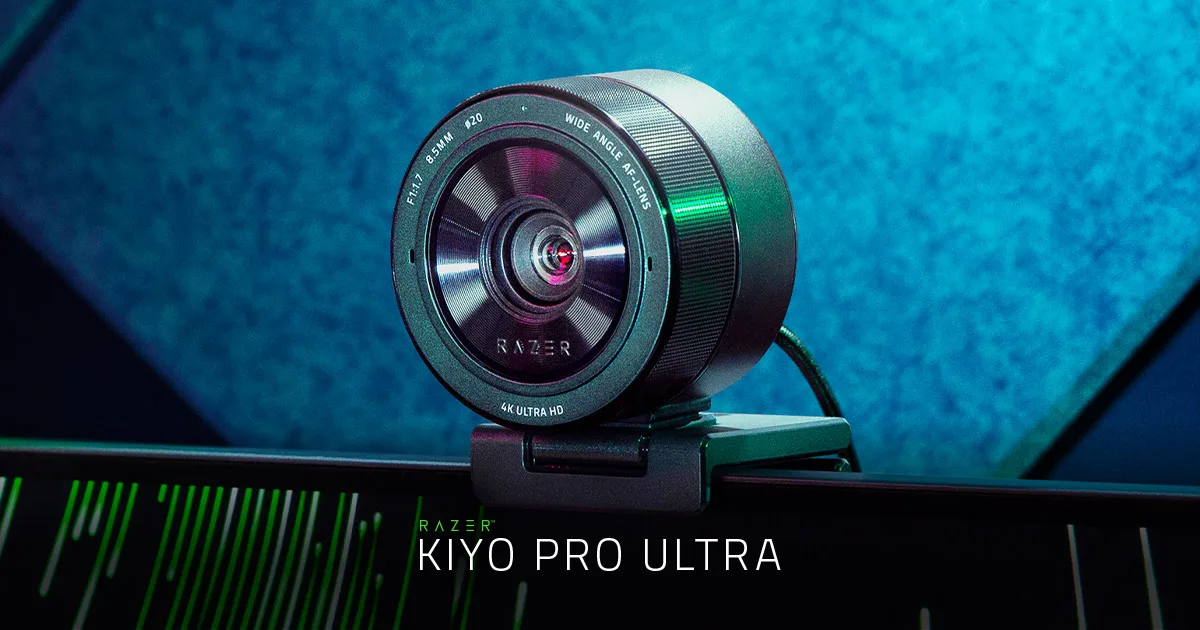
Pricing is the other difficulty. The list price is high — around $329 at the time of writing — and the product is discounted frequently and substantially. Paying full list for this makes it poor value against the Razer Kiyo Pro Ultra; catching it at a discount makes it a clear recommendation.
Sensor size, explained without the marketing
Because "1/1.5-inch" means nothing to most people, here is the comparison that does.
Sensor sizes in this odd fractional notation get larger as the denominator gets smaller. A typical webcam sensor is around 1/3 or 1/2.8 inch. The Tiny 2's 1/1.5-inch sensor has roughly three to four times the area of a 1/2.8.
Area is what collects light. Four times the area means roughly four times the light for the same exposure, which the camera can spend on a lower gain — less noise — or a faster shutter — less motion blur.
This is why sensor size, not resolution, is the specification to shop on. A 4K image from a tiny sensor in a dim room is a 4K image of noise.
Software
Obsbot's application is required for tracking modes, presets, beauty settings and firmware updates. Basic video works as a UVC device without it.
The application is competent and reasonably light. Beauty mode exists and, as with every beauty mode ever shipped, our advice is to turn it off — the smoothing is visible to everyone except the person using it.
Who should buy it
Someone who needs tracking and refuses to accept a worse picture in exchange for it. That is a narrower group than Obsbot's marketing implies, and for them this is the best camera in the review.
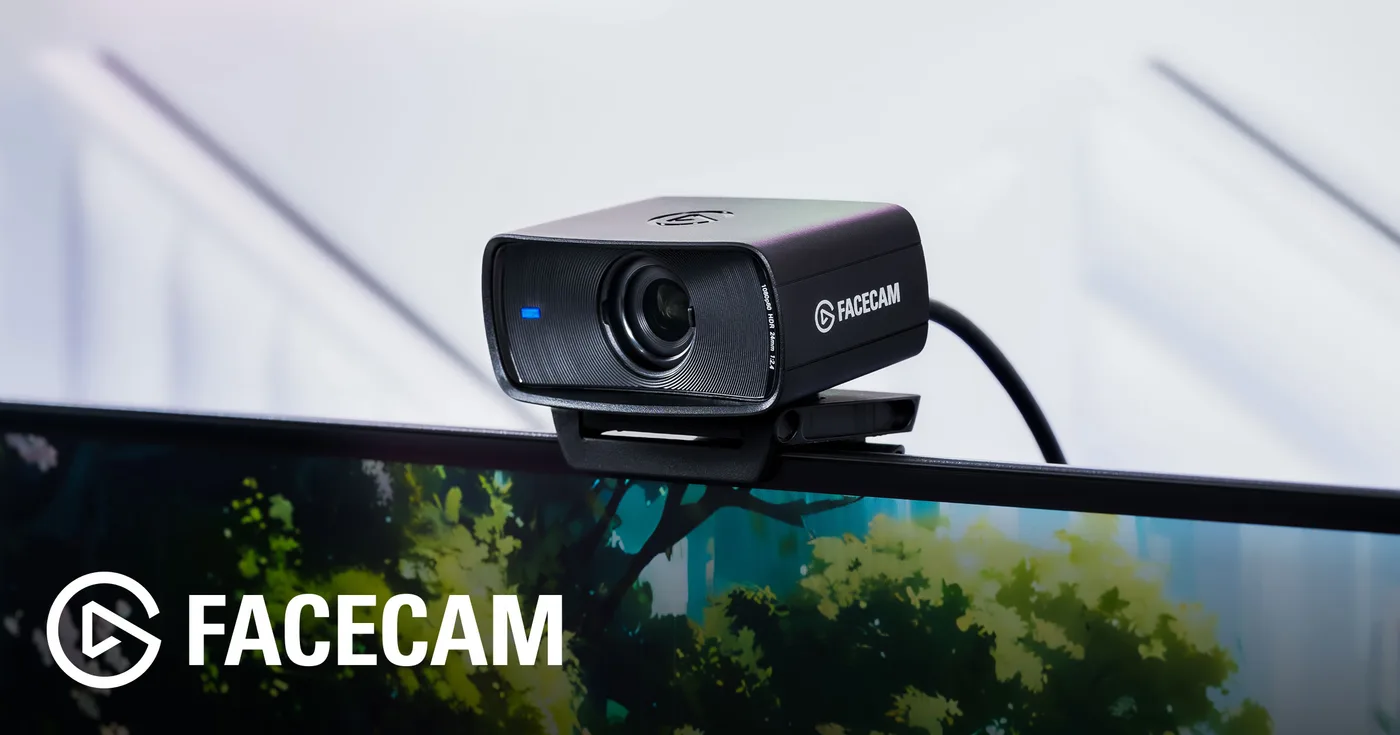
Someone who sits still: buy a Facecam or a Kiyo Pro Ultra and spend the difference on a light, which will improve how you look more than any sensor will.
Verdict
8.0. Excellent hardware, awkward commerce, and a feature set most desk workers will not use.
What holds up
- 1/1.5-inch sensor is much larger than typical webcams and it shows in dim rooms
- Gimbal tracking and auto-zoom together keep framing sensible, not just centred
- Gesture and voice control both work well enough to use in front of an audience
- Build quality is a step above most webcams — metal, properly damped motors
What wears thin
- List price is high, and the real price depends on catching a sale
- Obsbot's site redirects by IP, so the page you land on may not be in your language
- Software is required for the tracking and preset features
- Overkill if you never leave your chair