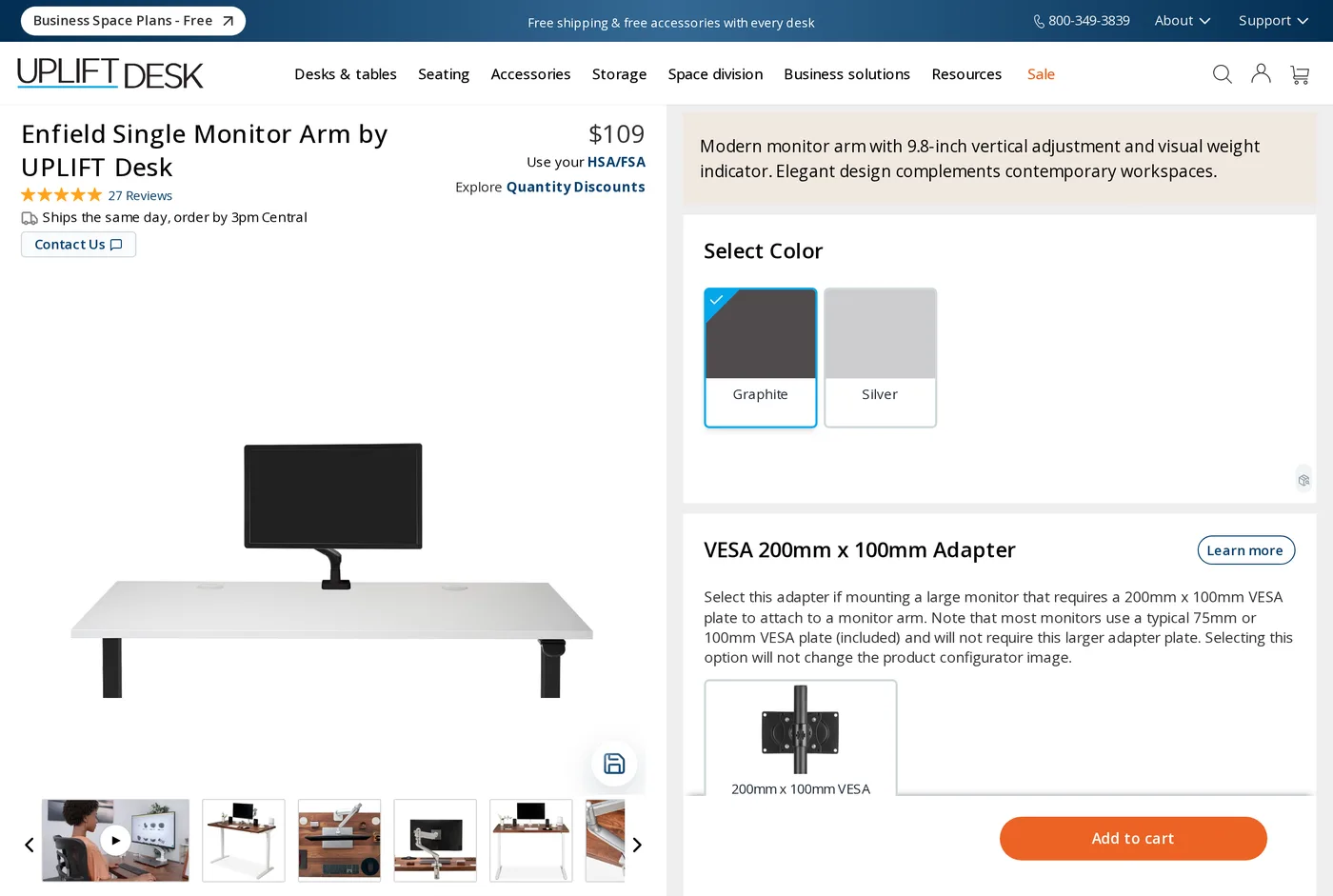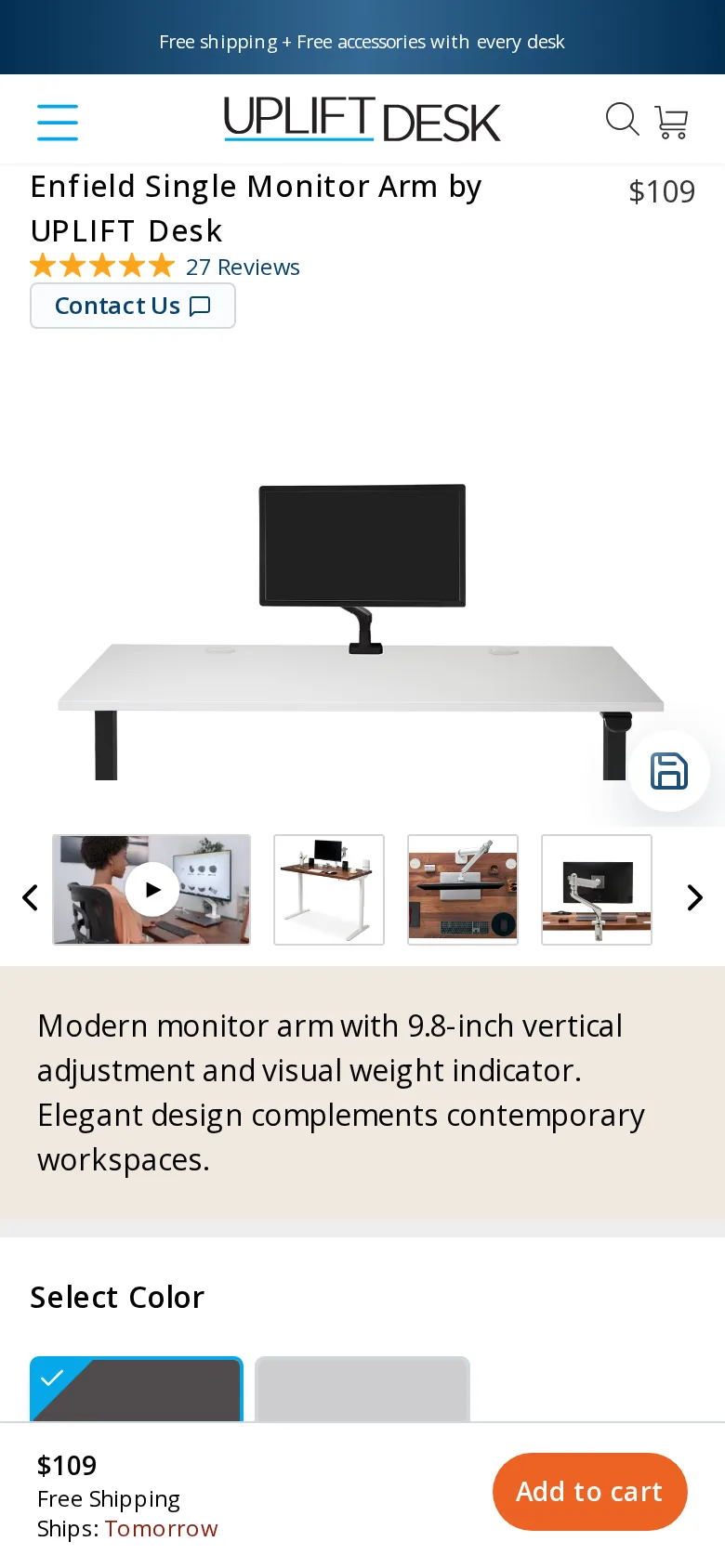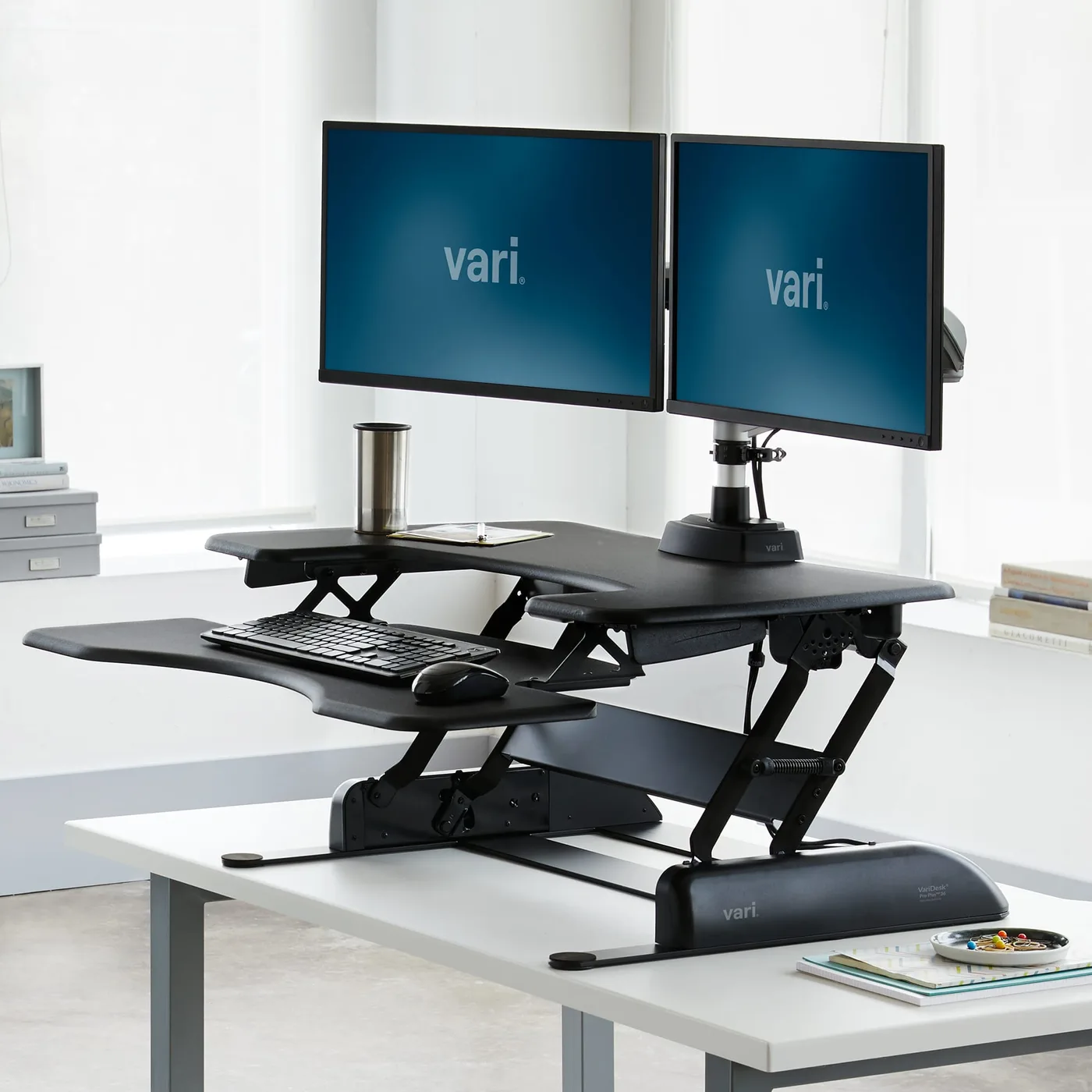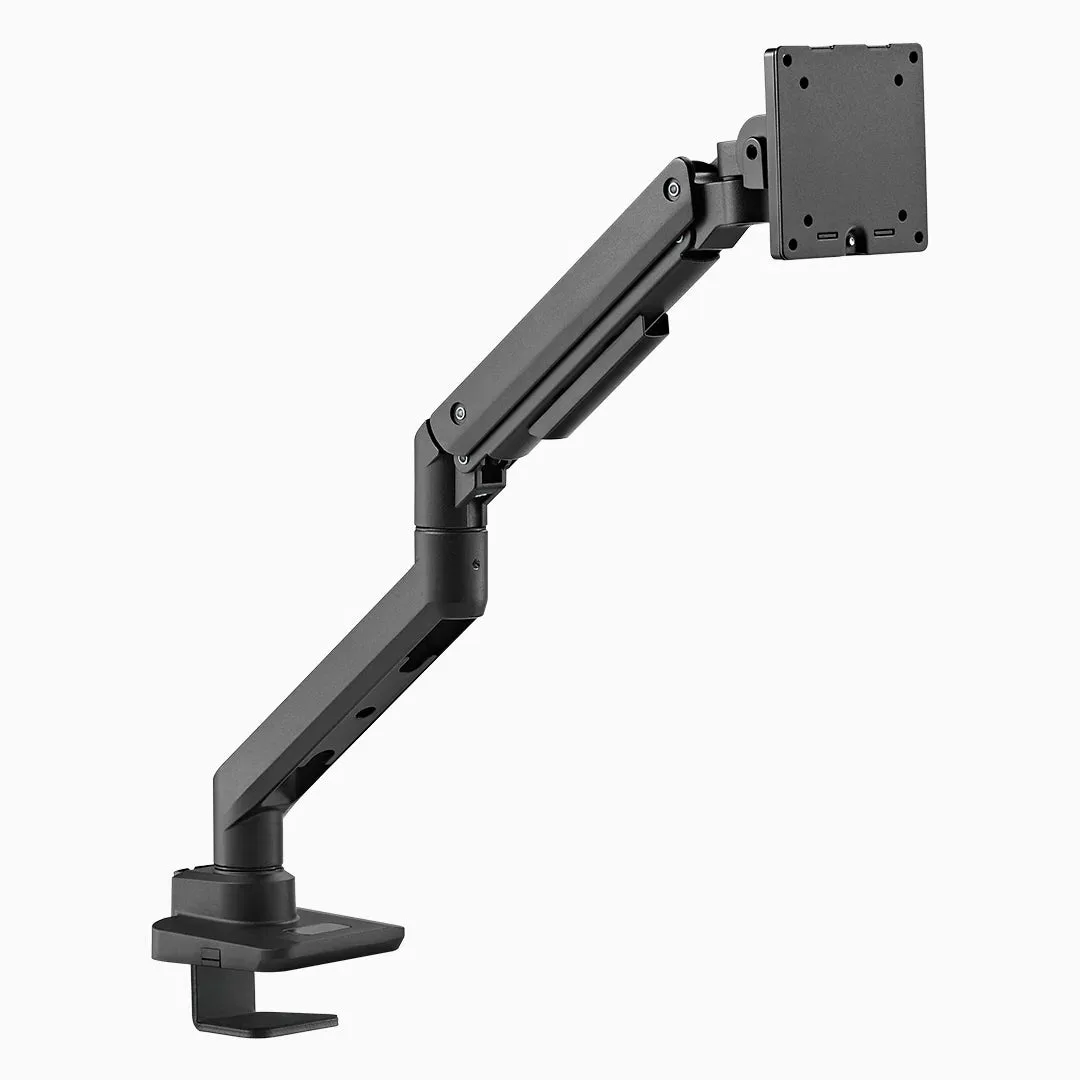
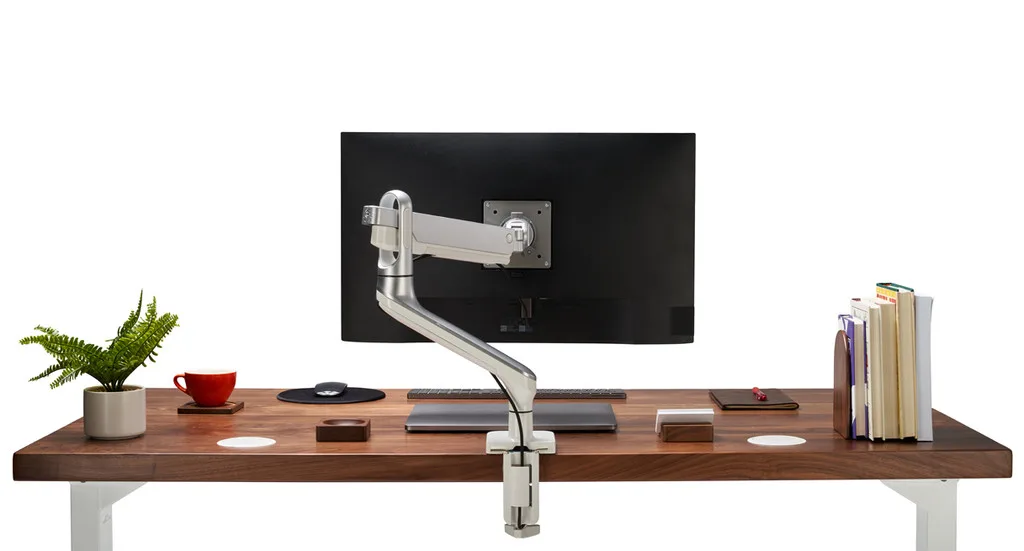
The one piece of advice
Get the screen off the stand it came with. Everything else on this site — the chair, the desk, the light — is a refinement. A monitor at the wrong height is the thing actually bending your neck, and no chair fixes it.
At $109 the Enfield is the cheapest way we know to do that properly, and "properly" is doing work in that sentence: there are $40 arms, and they sag.
The weight indicator, which sounds trivial and is not
Every gas-spring arm has a tension screw. Set it too loose and the arm droops; too tight and the monitor creeps upward on its own. The conventional procedure is: mount the monitor, guess, adjust, guess again, swear, repeat.
Uplift print a scale on the arm with a pointer that moves as you turn the screw. You look up your monitor's weight, turn until the pointer reaches it, and you are done. It takes a minute and it works first time.
This is the single most useful thing on the arm and it costs the manufacturer almost nothing. We would like everyone to copy it.
Check the weight range first
The Enfield handles roughly 4.4 to 19.8 lb — about 2 to 9 kg. Both ends matter and people only ever check one.
The upper limit rules out large curved ultrawides, which routinely exceed 9 kg. That is what the Desky heavy-duty arm reviewed elsewhere here is for.
The lower limit catches more people out. A light 24-inch panel under 2 kg cannot compress the spring enough even at minimum tension, so the arm drifts upward and will not stay down. Take the VESA-plate weight from your monitor's specification sheet, not the boxed weight, which includes the stand.
Travel and reach
9.8 inches of vertical adjustment. In practice most people set it once and touch it twice a year, but the range matters if you share a desk with someone a head taller, or if the desk itself goes up and down.
The arm tilts, swivels, and rotates the plate a full turn for portrait. Reach is adequate rather than generous: on a 30-inch-deep desk against a wall you have room to push the screen back; on a 24-inch desk you will run out before the arm does.
Setting the height correctly
Having bought an arm, it is worth spending two minutes putting the screen where it should be.
Sit as you normally sit, look straight ahead, and close your eyes. Open them: your natural gaze should land in the top third of the screen, not at its centre. That usually puts the top edge of the panel a little below eye level.
An arm's length is the right distance for a 24 to 27 inch panel. Larger screens want to go further back.
Then tilt the top of the screen slightly away from you rather than towards you. A screen tilted back reflects the ceiling light; one tilted slightly away does not, and it matches the angle your eyes prefer.
Gas spring versus constant force
Uplift use a gas cylinder. The alternative — a spring held under constant force — holds its setting essentially forever, and it is the reason some arms cost twice as much.
A gas strut loses a little pressure over time. On ours, after several months, the monitor had developed a barely perceptible tendency to settle low, fixed by a quarter-turn of the tension screw. That is normal and it is the trade you are making at this price. Plan on re-tensioning it once every year or two and it will never bother you.
Warranty and buying
Fifteen years, which is Uplift's standard across their range and considerably longer than most arms at any price. Clamp and grommet mounts are both in the box rather than sold separately, which is correct behaviour that several rivals still charge for.
Quantity pricing drops to about $101 per arm at twenty units, which makes it a sensible fit-out choice for a small studio.
The one thing to add to the basket: if your monitor uses a 200 × 100 mm VESA pattern — common on larger panels — you need the adapter plate, and it is $19 extra. Most monitors use 75 or 100 mm and do not.
Verdict
An 8.8. Not the most refined arm on this site, and the one we would actually buy. If your screen is in range, this is the answer, and the weight scale is the reason it beats everything else near the money.
What holds up
- A printed weight scale on the arm — set tension by the number instead of by trial and error
- 9.8 inches of vertical travel, which is more than most people ever use
- Uplift's 15-year warranty, and clamp and grommet mounts both in the box
- Ships same day if ordered before mid-afternoon, which almost nothing else here does
What wears thin
- Gas spring rather than constant force — expect to re-tension it once a year or two
- The 200 × 100 VESA adapter large monitors need is a $19 extra
- Silver finish shows scuffs at the pivot
- Not enough arm for a 38-inch curved ultrawide