Read the category it is sold in
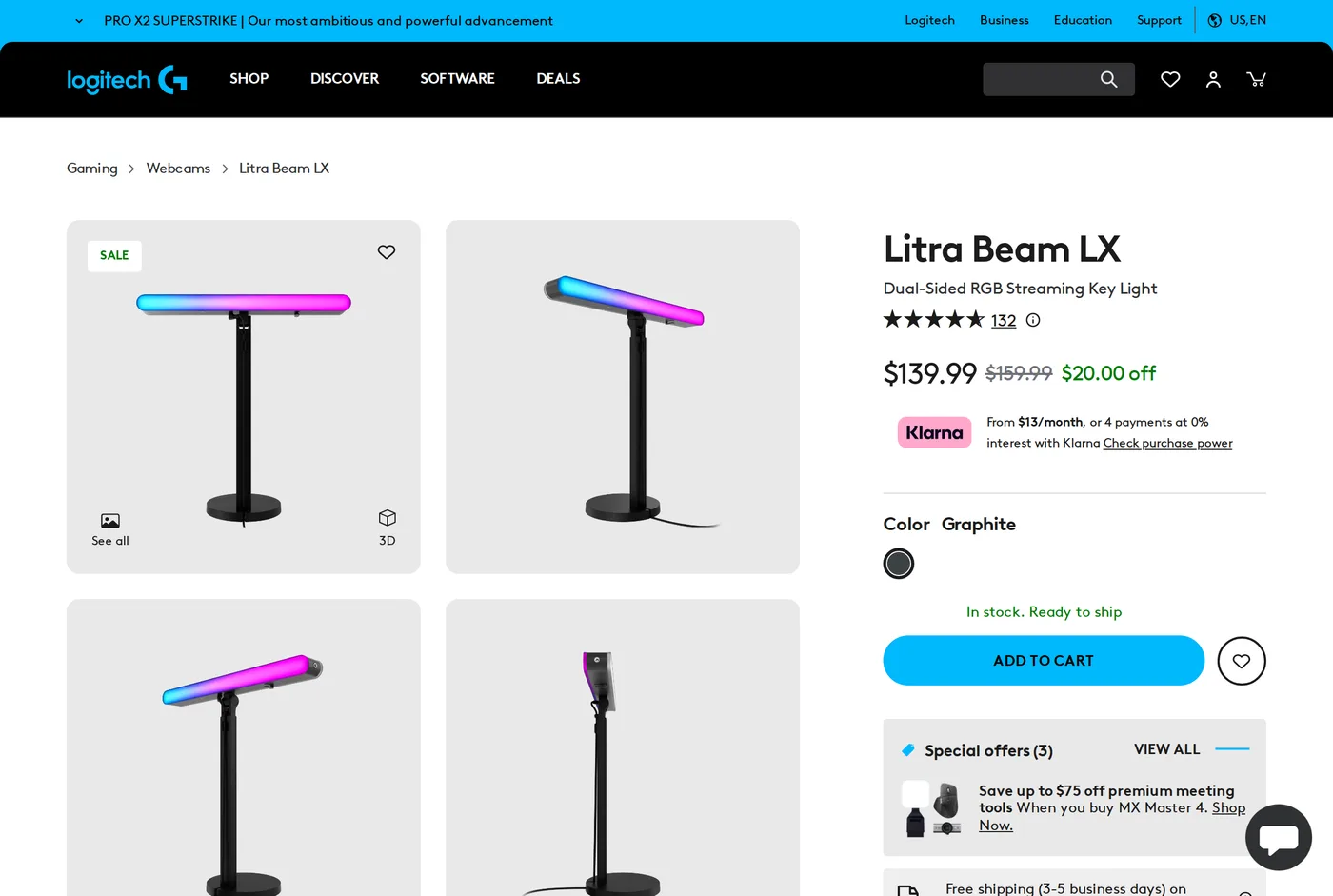
Logitech sell the Litra Beam LX through Logitech G — the gaming brand — as a streaming light. That is the correct framing and it explains most of what follows. It is a lighting product for the camera, not for the desk, and buying it as a task light is a mistake the office context invites.
As a camera light: very good
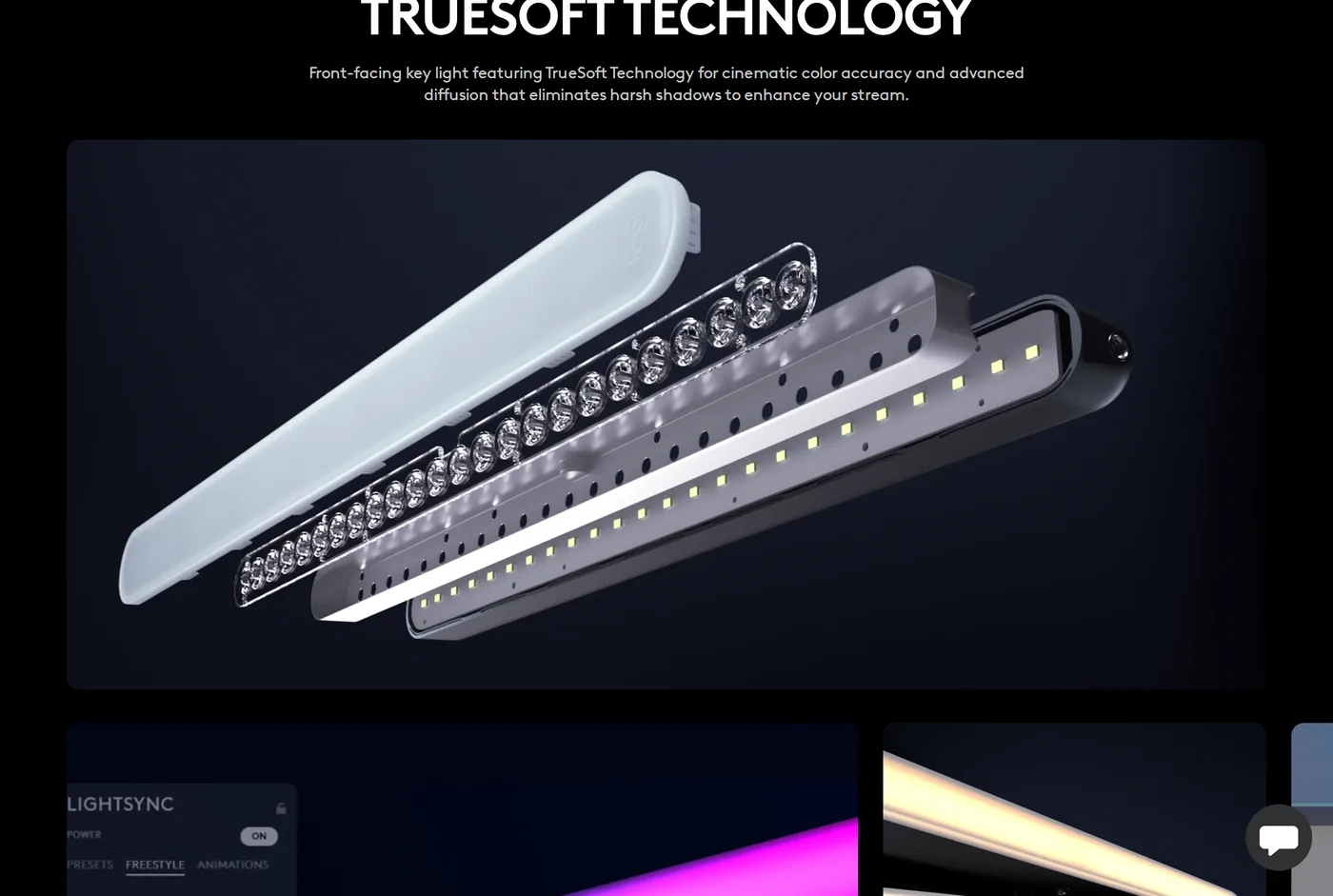
Point it at your face from slightly above and to one side and the result is genuinely flattering — even, diffuse, no sharp shadow edge under the nose, no colour cast. Logitech call the technology TrueSoft; what matters is that skin looks like skin, and on a recorded call the difference from an unlit or ceiling-lit face is not subtle.
Brightness and colour temperature are adjustable on the unit, so ordinary use needs no software. If you are on camera for several hours a day, this is the part worth paying for, and it beats the improvised solution of turning a desk lamp towards yourself, which produces a hard shadow and usually the wrong colour.
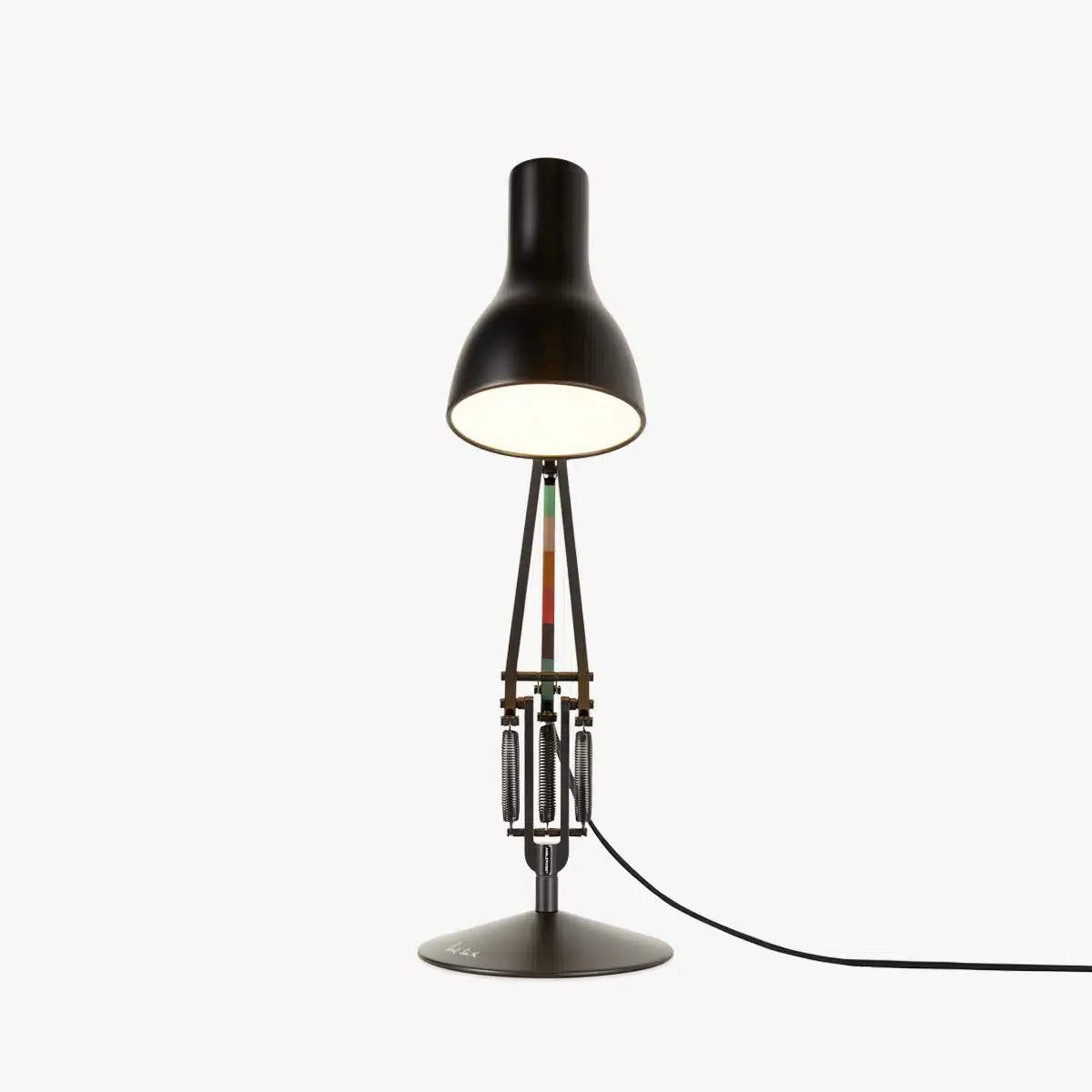
As a desk light: not really
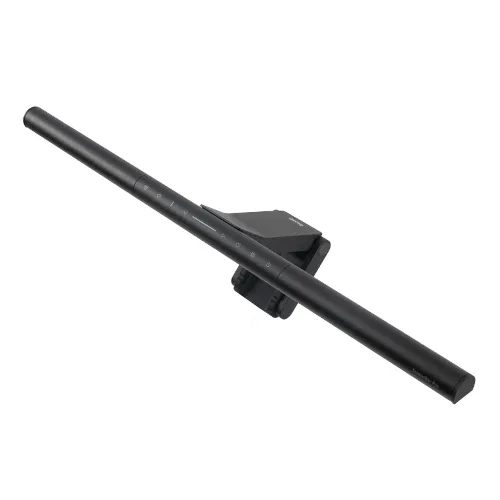
A light aimed at your face is, by definition, not aimed at your desk. Rotate it downwards and you have a small bright panel at close range, which lights a patch of desk and reflects off your screen — the exact problem a ScreenBar exists to avoid.
If you want both, you need both: a ScreenBar for the desk and this for your face. That is a defensible setup and it is more money than most people will want to spend on light.
The RGB side
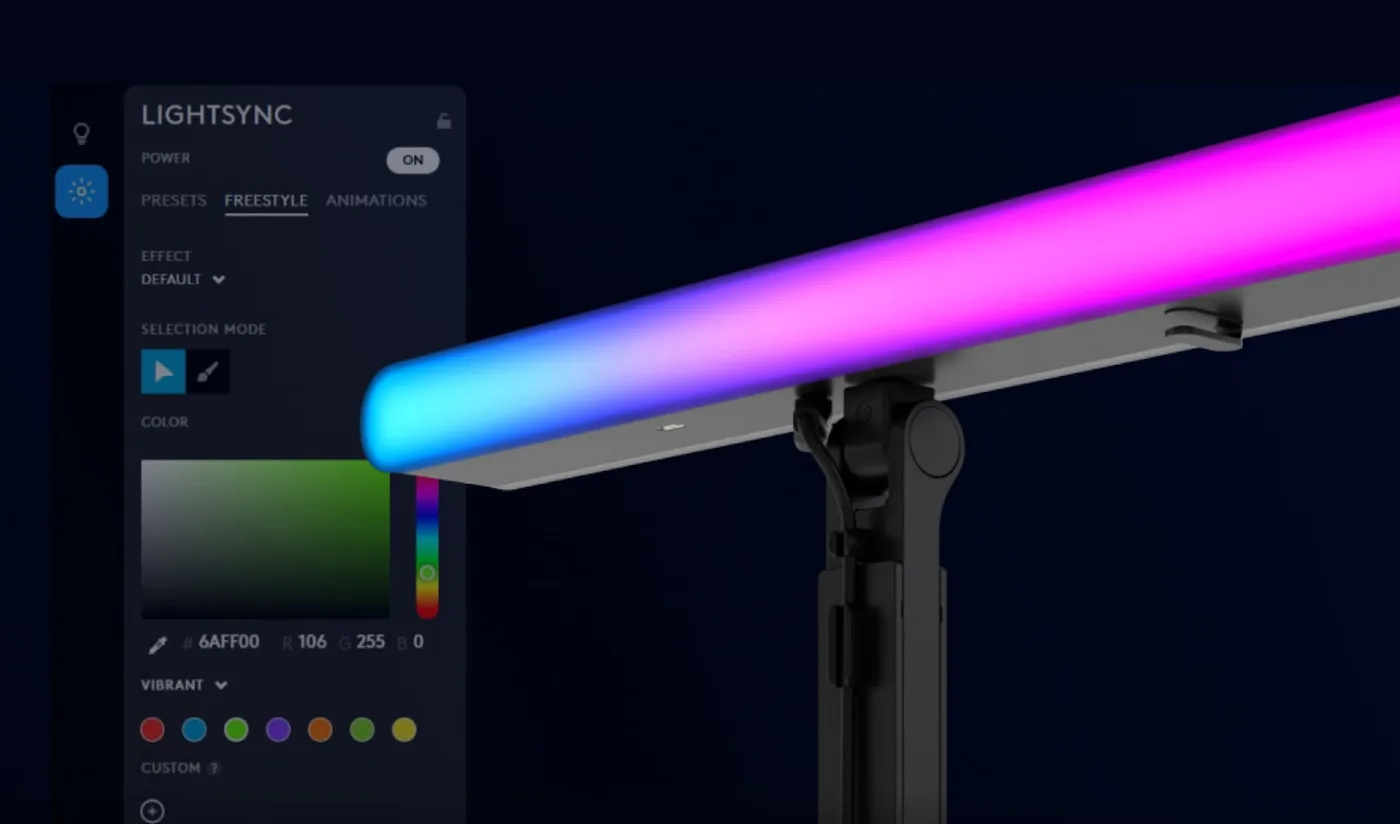
The rear-facing strip does 16.8 million colours and syncs with other Logitech G hardware through G HUB. Set aside the gaming framing and there is a real use here: a coloured wash on the wall behind you lifts a dark background on camera, which makes the shot look considered rather than like a wall.
The cost is G HUB, which is a substantial piece of software to install so that a lamp can be blue. The front light works without it. The RGB largely does not.
The stand
A weighted base with a vertical column and a pivoting head that reaches out over a monitor. It is well made, and it is more flexible than the clamp-on key lights.
It also takes desk depth. The base needs somewhere to live, and on a shallow desk that is real estate you were using. A clamp-mounted light frees the desk entirely, and Elgato's mount system is better on that front.
Where to put it
Lighting yourself well is mostly about position, and a good light in the wrong place still looks bad.
Put it to one side of the camera, not behind it. Light straight on flattens a face; light at roughly 30 to 45 degrees off-axis produces a shadow that gives the face shape.
Put it slightly above eye level and angle down. Below eye level is the uplighting of a school ghost story and there is no brightness setting that rescues it.
Keep it about an arm's length away and turn the power down. A panel at full output 40 cm from your face blows out the highlights on your forehead and nose.
Then check the result in your calling application's preview, not in the light's own app, because the camera's auto-exposure is part of the picture.
Price
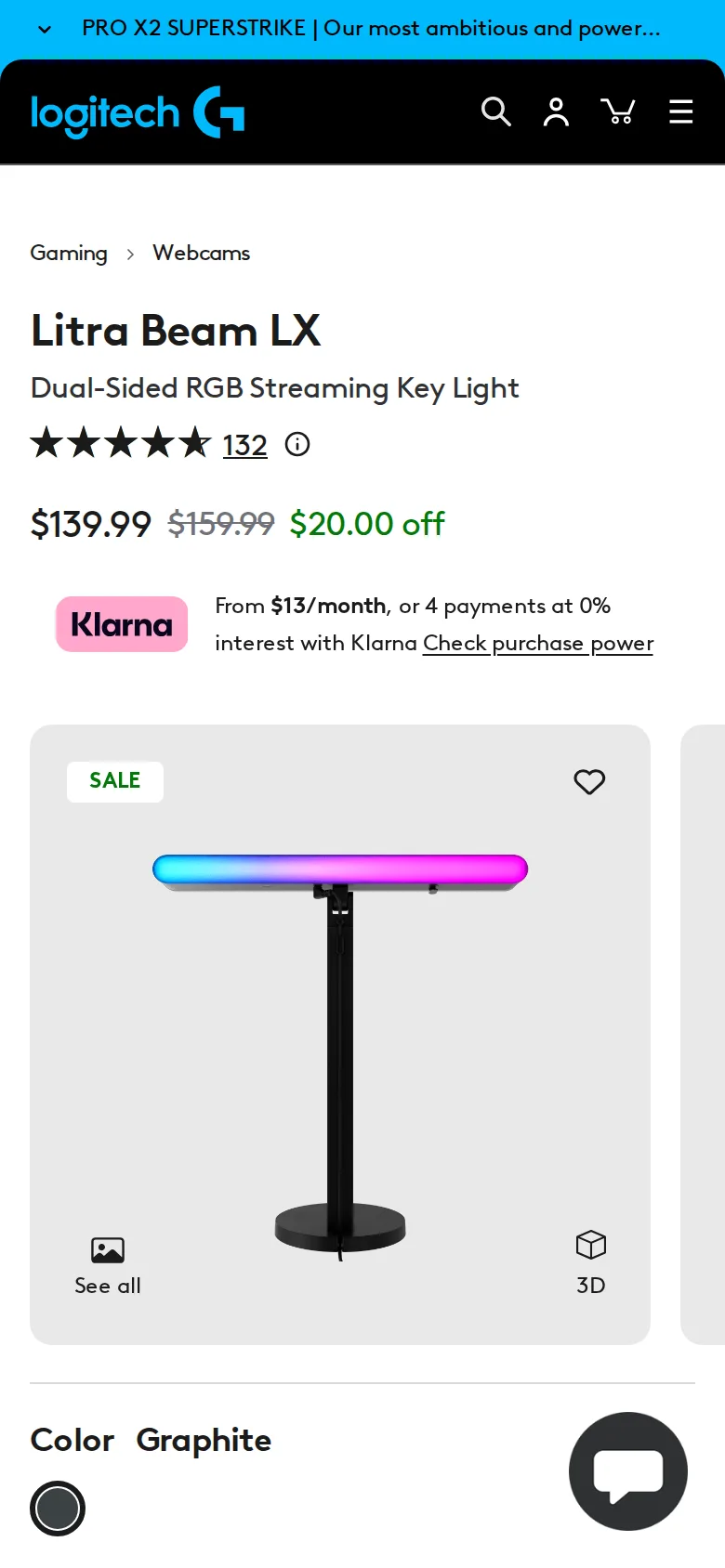
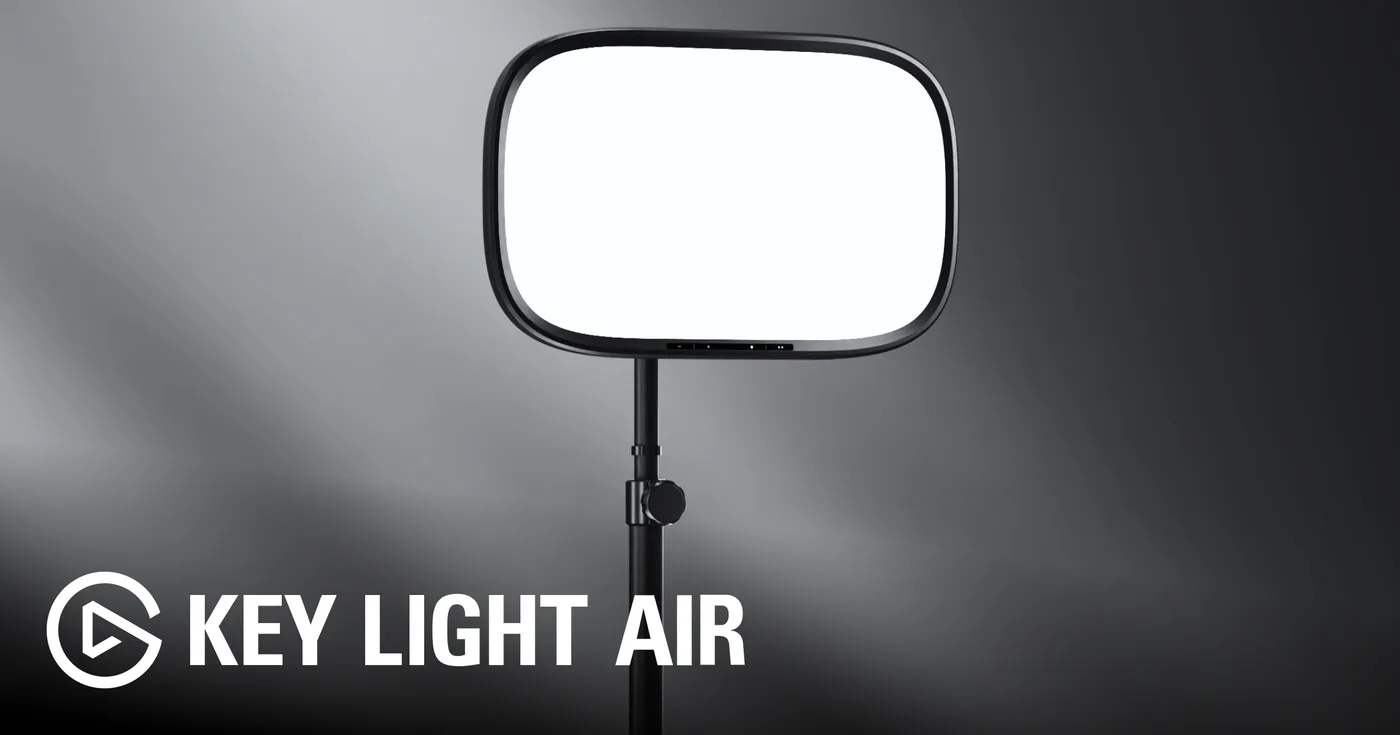
$159.99 list, and discounted often enough that paying list feels careless. At $139.99 it is competitive with an Elgato Key Light Air, which is a purer key light with a better mounting system and no RGB.
Colour on camera
We ran it against a Key Light Air on the same face, same camera, same white balance.
The Litra rendered skin marginally warmer and, to our eye, slightly more pleasing straight out of the box. The Elgato was more neutral, which is better if you intend to grade the footage and worse if you never touch it.
Neither showed flicker on camera at any brightness, which matters more than colour and which cheap LED panels routinely fail.
If you never adjust anything, the Litra will probably look better. If you set your camera up deliberately, the difference disappears.
Who should buy it
Someone on camera daily who also wants a background wash and already lives in the Logitech ecosystem. For them it is a neat single purchase.
Someone who wants better light to work by: buy a ScreenBar.
Someone who wants the best face light for the money: buy the Elgato and clamp it to the desk.
Verdict
7.3. Good at its actual job, mis-shelved in most people's heads, and priced above the competition it should be compared to.
What holds up
- Genuinely good on-camera light: even, diffuse, no hard shadow line
- Colour accuracy on skin is the best of the desk lights here
- The pivoting stand reaches over a monitor without occupying much desk
- Rear RGB is a legitimate way to lift a dark background wall
What wears thin
- Not a task light: pointed at your face, it does nothing for the desk surface
- The RGB side needs G HUB, which is more software than a lamp should require
- Stand base takes up desk depth a ScreenBar does not
- $159.99 list is a lot next to a $139 key light that does the same job