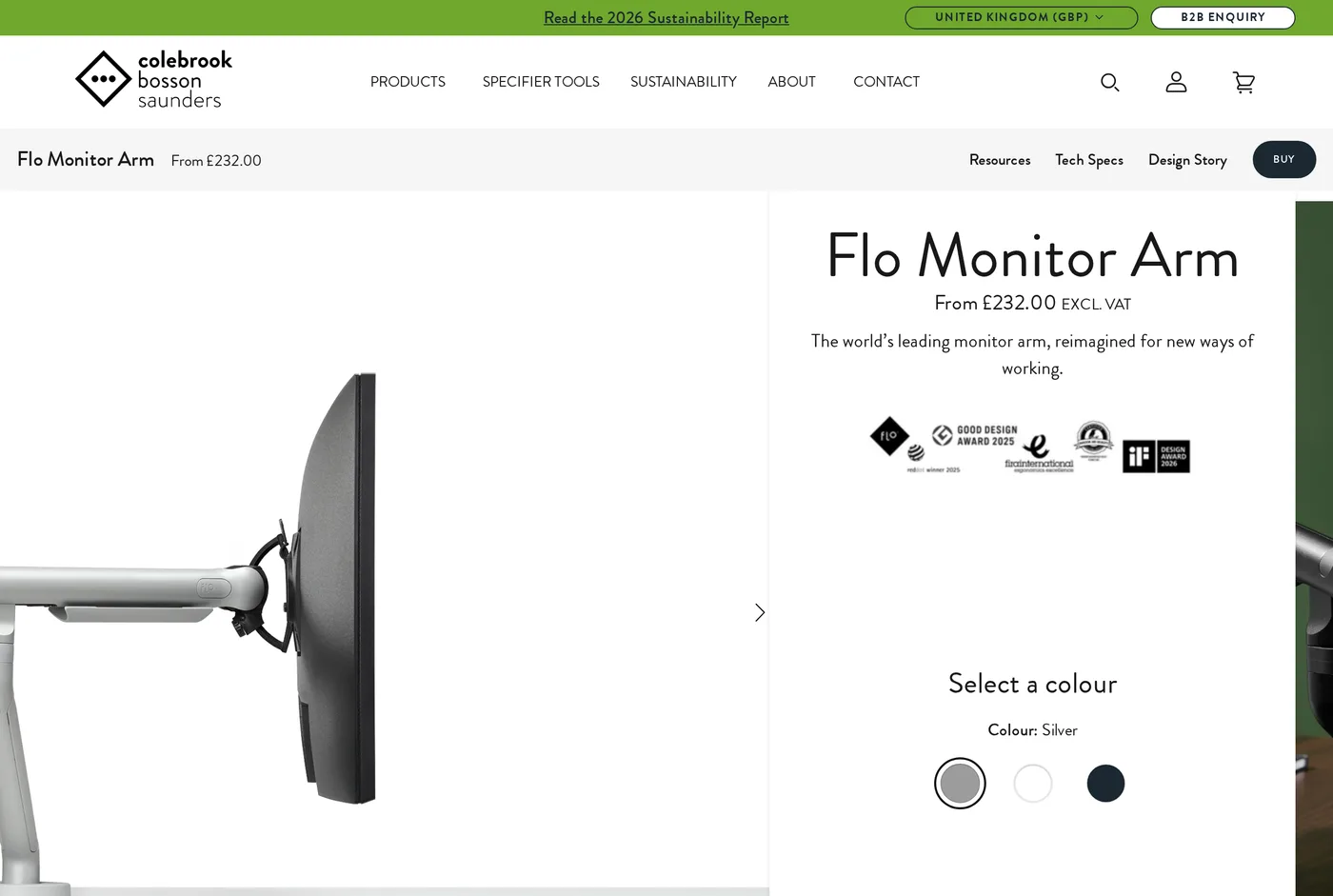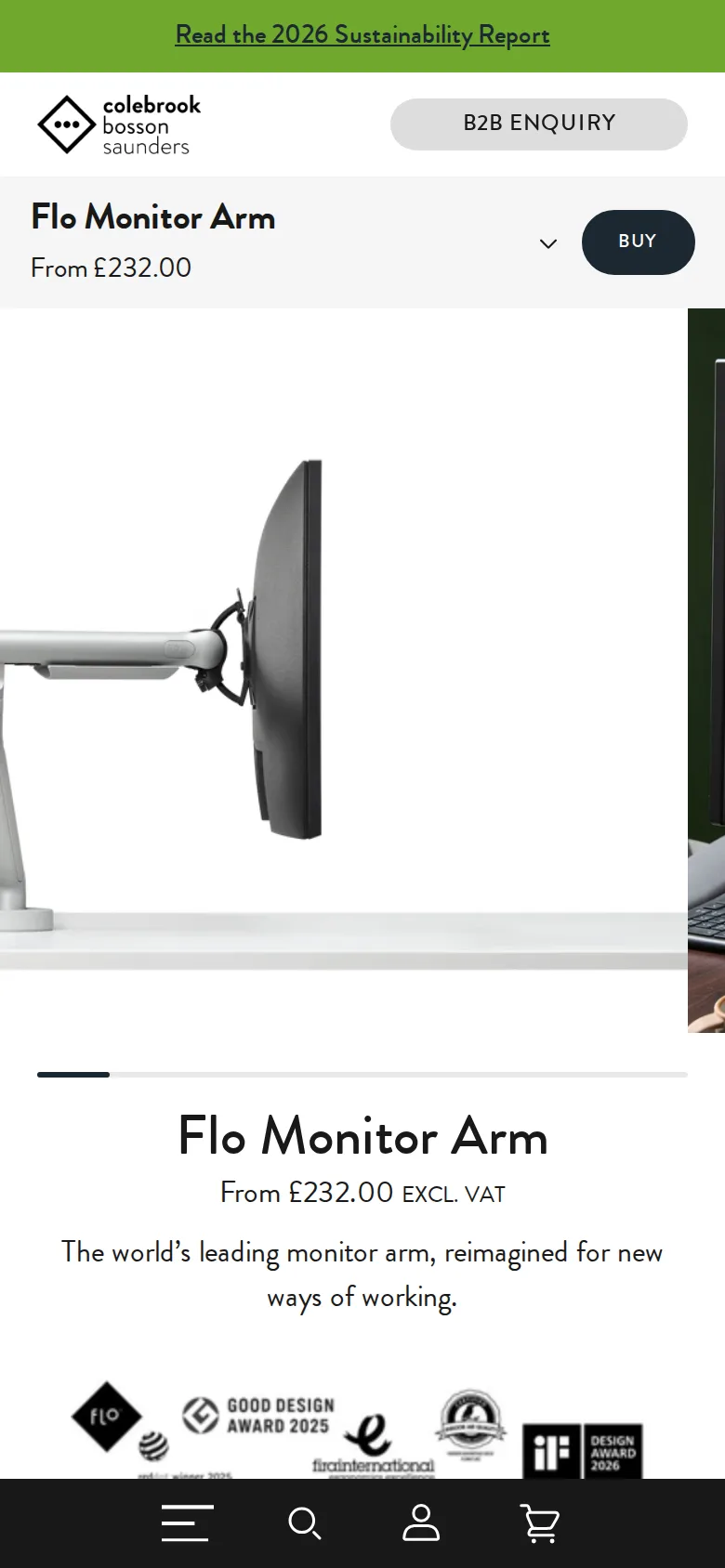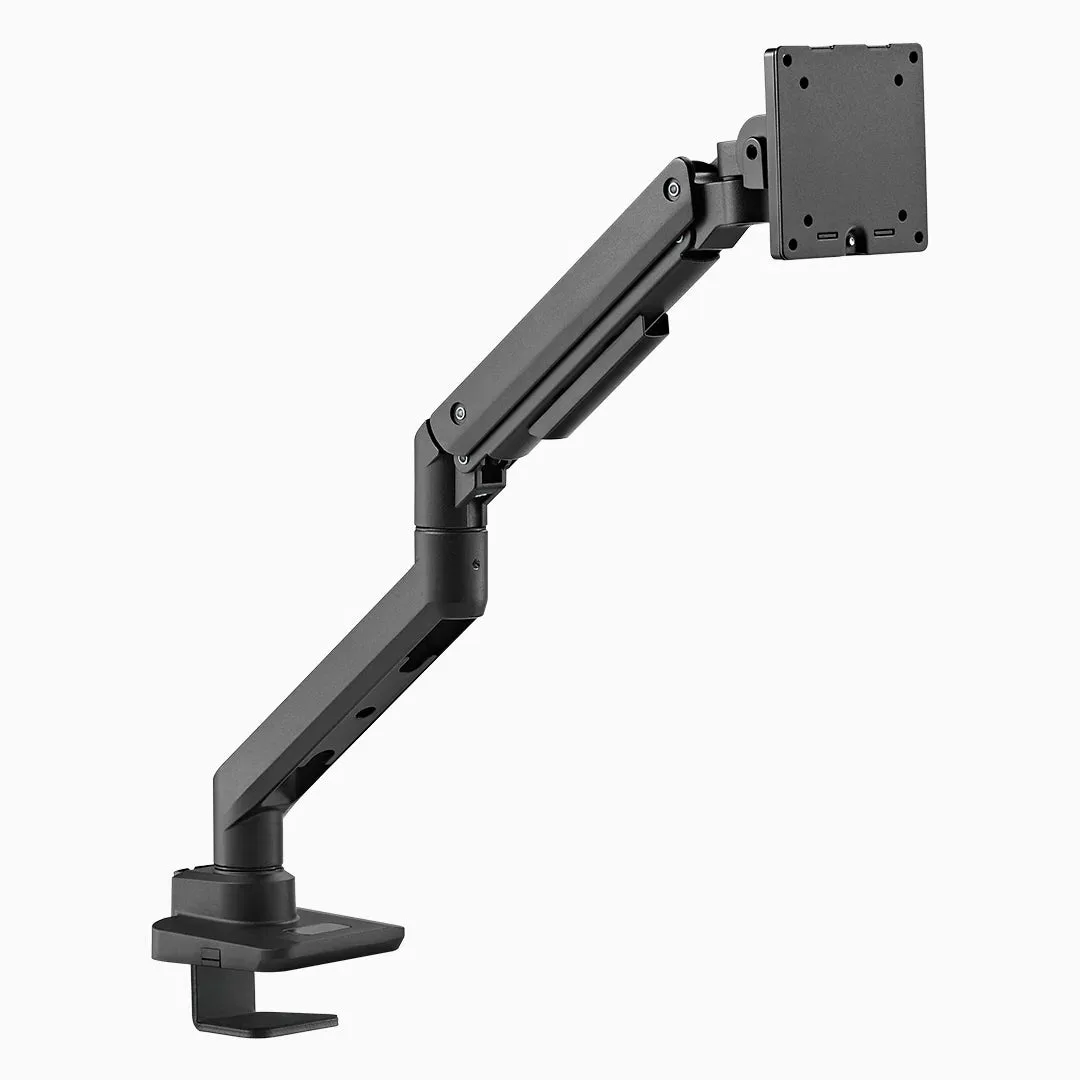
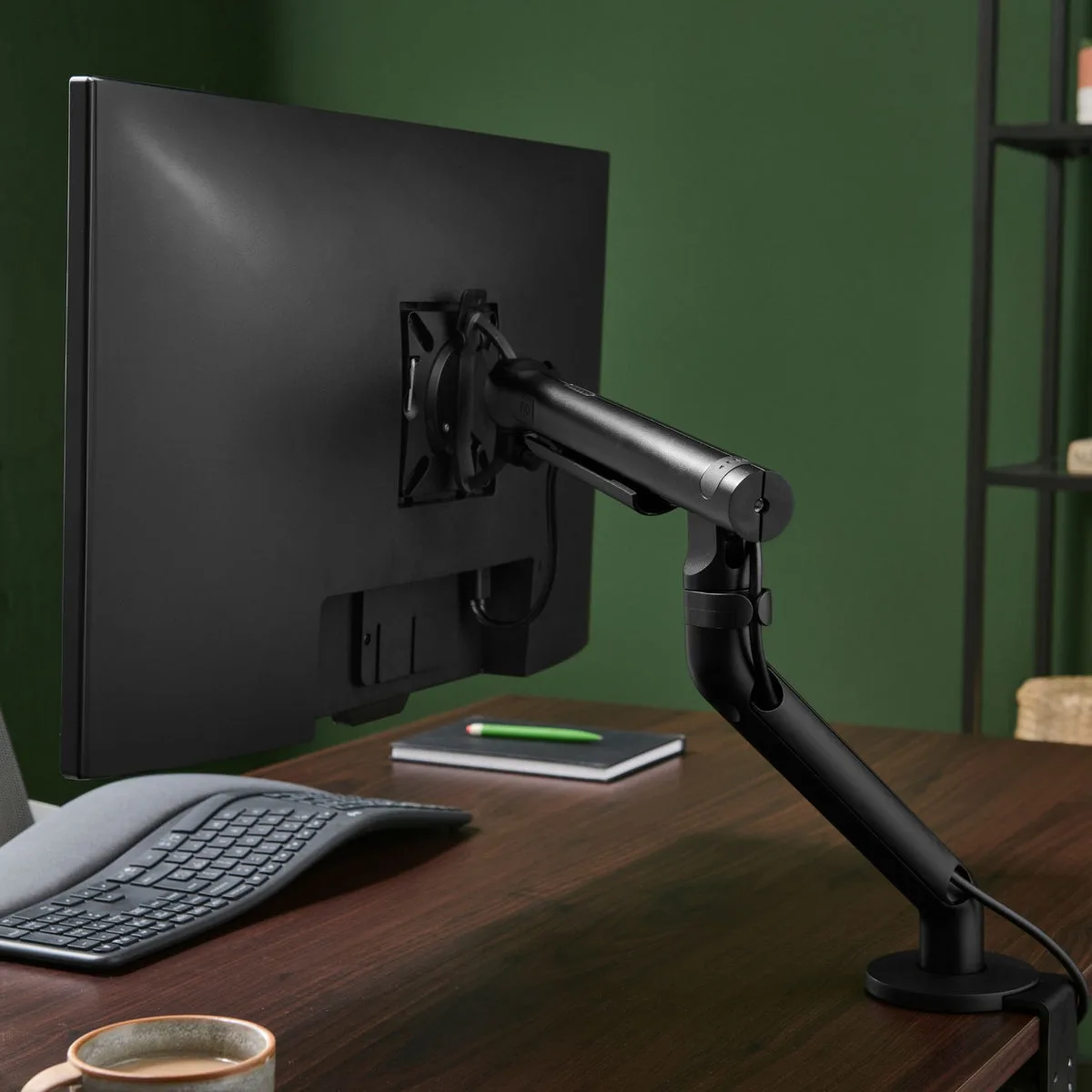
Colebrook Bosson Saunders designed the original Flo in 2003 and it is the arm you have unknowingly used in a well-specified office. The current version is a redesign rather than a refresh, and its defining quality is not capacity or reach — it is how little force it takes to move a screen.
The dual-rate spring
Most arms are a compromise tuned for the middle of their weight range: easy at one height, stiff at another. The Flo uses a two-stage spring so the assist changes as the arm moves, and the result is that the effort to reposition a screen is roughly the same at the top of the travel as at the bottom.
In practice, you nudge it with a finger and it goes exactly where you pushed it and stops. Repositioning a screen between sitting and standing, or pulling it forward to show somebody something, stops being a small chore. It is the clearest quality-of-use advantage any arm in this group has.
Rotation between portrait and landscape at the VESA plate is the same story: smooth, damped, and it stops square.
The weight range is the catch
2 to 7 kg. That is narrower than the Uplift Enfield at both ends and it is the single thing most likely to rule the Flo out.
A modern 27-inch IPS panel without its stand is commonly in the 3.5–5.5 kg range, which is comfortably inside. A 32-inch 4K panel is often 6.5–8 kg, which is right at the edge or over it. A 34-inch ultrawide is almost always over.
Check the VESA-plate weight on your monitor's specification sheet. Not the shipping weight, not the weight with the stand. If you are within half a kilogram of the top of the range, buy the Enfield instead.
Reach and geometry
584 mm horizontal, 483 mm vertical, 180-degree stop function, VESA 75 and 100. The geometry is compact behind the screen, which is the opposite of the heavy-duty arms' problem — on a shallow desk, the Flo intrudes less than most arms with comparable reach.
Cable management runs through a channel along the arm and is one of the tidier implementations. It closes properly over two cables, which is more than we can say for the LX.
The dual-screen question
CBS sell single and dual configurations, and the dual version is where the weight range bites hardest.
Two screens at 2 to 7 kg each is fine on paper. In practice, people who run two monitors often run two large ones, and two 32-inch panels are usually outside the range. Check both screens, not one, and remember that a dual arm's crossbar adds its own load to the desk clamp.
If you are close to the limit, the honest answer is two separate single arms. They cost about the same, they can be positioned independently, and each one only has to hold one screen.
Fittings, and getting the right one
The desk fitting is a separate line item and there are two: a clamp that grips the back edge, and a through-desk bolt that passes down a grommet hole.
Choose the through-desk fitting if you have a grommet, because it is more rigid and it does not compress the desktop. Choose the clamp if you do not, and check the maximum thickness it accepts against your desk — solid timber tops are often thicker than the spec allows.
Ordering the wrong one is the single most common mistake with any monitor arm, and here it is an easy one to make because the fittings look similar in a thumbnail.
Buying one is harder than it should be
CBS sell primarily into the contract market. Prices on their own site are quoted excluding VAT, which makes a £232 arm a £278 arm before you have added anything, and the desk fitting — clamp or through-desk bolt — is a separate £38 to £42 depending on which you need.
Once you have added VAT and a fitting, you are three or four times the price of an Uplift Enfield that does the same structural job. That is not unreasonable for what it is, but the sticker price does undersell the real cost.
Spare parts are a weaker story than Uplift's. If you damage a component in year six, the route to a replacement runs through a dealer rather than a parts page.
Should you buy it?
If your screen is in range and the desk is somewhere people see, yes. It is a lovely thing, the adjustment is the best here, and it makes a $109 arm look like what it is — a very good industrial component.
If your screen is heavy, or the desk lives in a spare room, buy the Enfield or the Desky. You will save money and lose nothing that will still matter in a month.
What holds up
- Dual-rate spring makes adjustment genuinely one-finger, across the whole range
- 584 mm horizontal and 483 mm vertical reach from a compact body
- Looks like a designed object rather than office hardware
- Portrait/landscape rotation at the plate is fingertip-smooth
What wears thin
- 2–7 kg only — a lot of modern 27-inch panels are above that
- Prices exclude VAT and the desk fitting is a separate £38–£42
- Harder to buy as an individual than an Uplift or a Desky arm
- No spare-parts route as straightforward as Uplift's